Any Video Converter Free
 Any Audio Converter
 AVCLabs Video Enhancer AI
 AVCLabs Video Blur AI
 AVCLabs Photo Enhancer AI
 AVCLabs PhotoPro AI
 Mobile Data Manager
 Mobile Data Transfer
 WhatsApp Data Transfer
 PC Data Recovery
 iOS Data Recovery
 Location Changer
 iPhone Unlocker
 MKV to MP4
 AVI to MP4
 WEBM to MP4
 MOV to MP4
 HEVC to MP4
 MP4 to GIF
 4K Video Converter
 HD Video Converter
 Video to MP3
 MP4 to MP3
 MP4 to WAV
 Video to Audio
 FLAC to MP3
 Text to Image
 Text to Video
 Enhance Video
 Trim Video
 Merge Videos
 Compress Video
 Add Subtitles
 Add Watermark
 Text to Image AI
 Text to Video AI
 Image to Video AI
 AI Art Generator
 AI Headshot Generator
 AI Logo Generator
 Ghibli Video Generator
 Seedance AI Video Generator
 Video to Text
 Video Splitter
 Video Stabilizer
 Audio to Text
 Vocal Remover
 Image Enhancer
 Image Upscaler
 Image Denoiser
 Background Remover
 Object Remover
 Photo Restoration
 Color Correction

Text to Video AI | Video Generator from Prompts, Descriptions
From static to dynamic, give you full control over the video content, style, and quality!
- Generate 1080P video with ultimate detail and realism
- Free of flickering, shaking, and distortion in footage
- Specify video duration & content to present a full story
- Diverse video generation for social media platforms
- Customize the first and last frames to unify the video style
 AI DrivenHigh QualityFlexible CreationVisible Results
 Switch to Mac Version
 Switch to Windows Version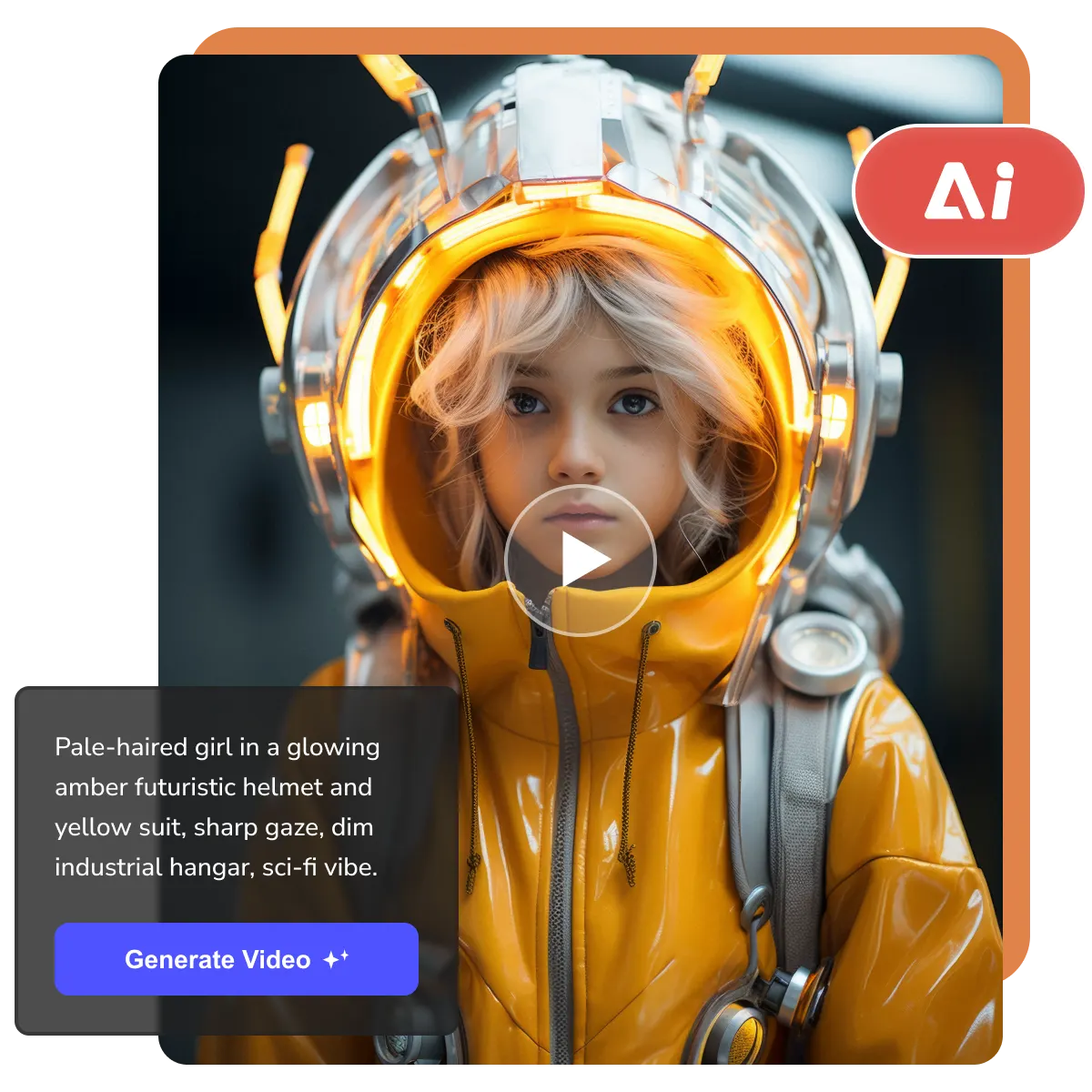
- Features
- User Guide
- FAQ
-
 Text to Video AI Generator
 -


Text to Video AI | Creative Revolution
This is a rebuilding of the creative video production process
From Editing to Originality
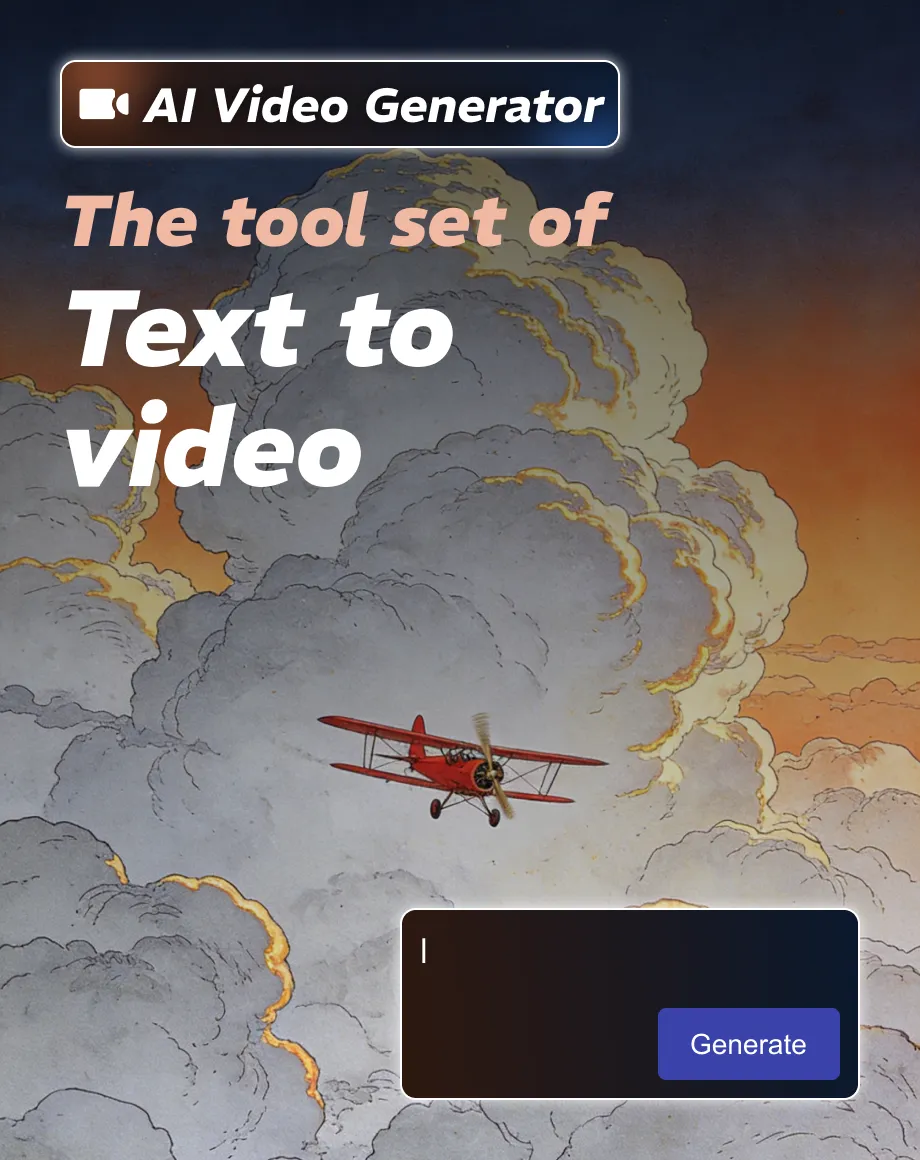
No cutting, splitting, or effects processing of existing video materials. AI generates pixels frame by frame according to descriptions. Its essence is creation, completely breaking the limitations of material libraries.
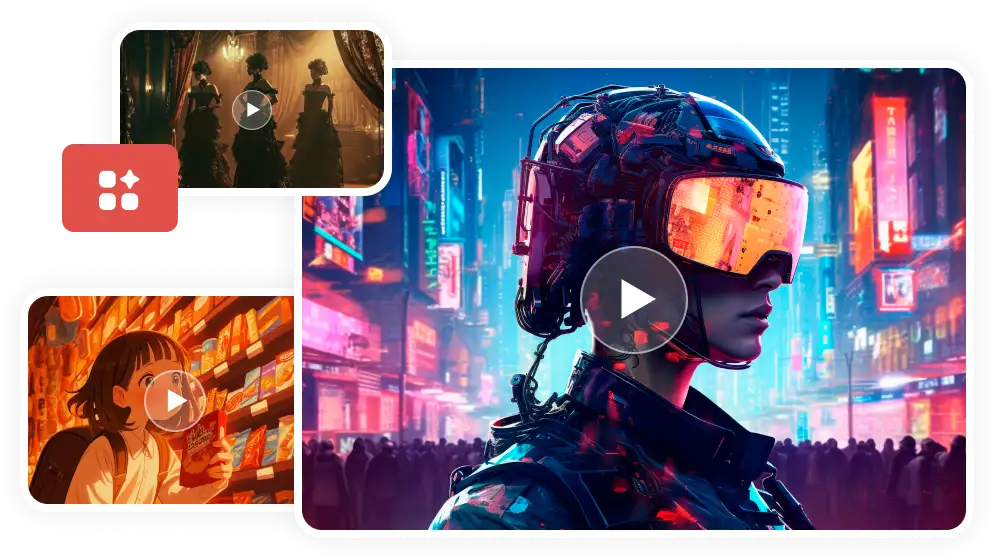
Smooth, Natural, Vivid 1080P Quality
With just text, you can create incredibly realistic scenes, unique artistic videos, one-of-a-kind visuals, captivating vlogs, and imaginative fantasy films in minutes, all in 1080P quality, without any flickering, shaking, or distortion.
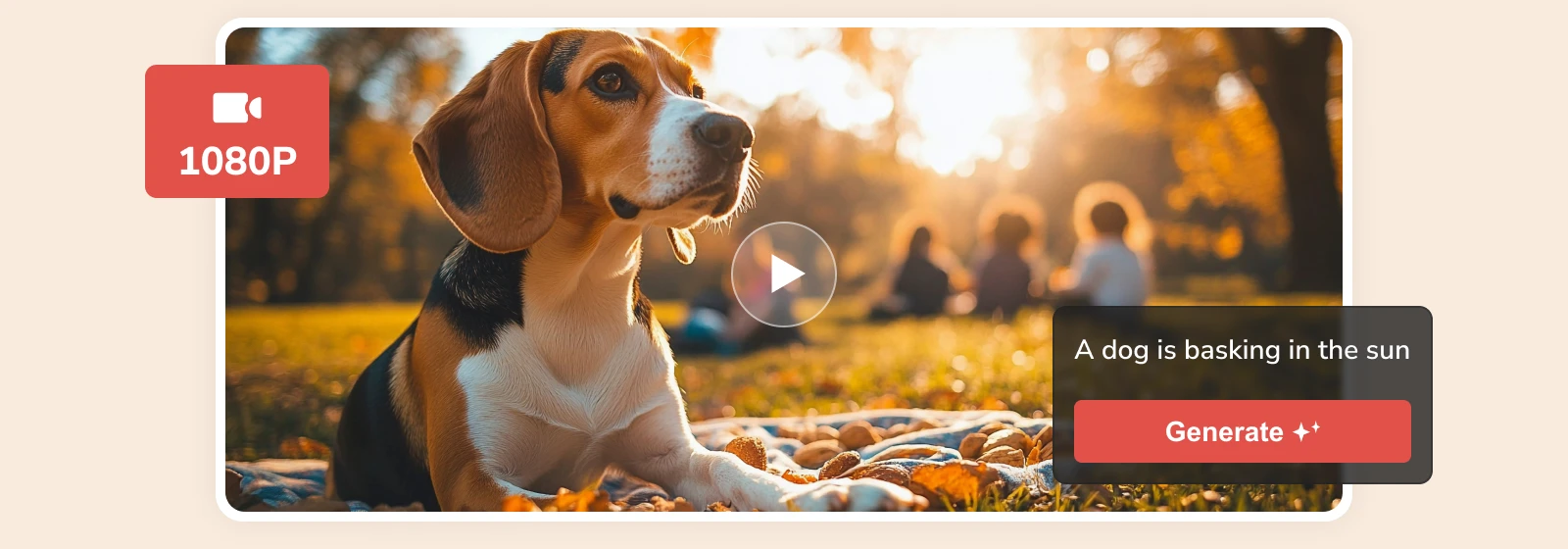
Controllability and Refinement
Customize the first and last frames, and specify the video length (2-12 seconds) as well as the aspect ratio, giving you control over the main framework of your video. Empower your creativity by finely optimizing video content, style, and atmosphere through detailed descriptions.
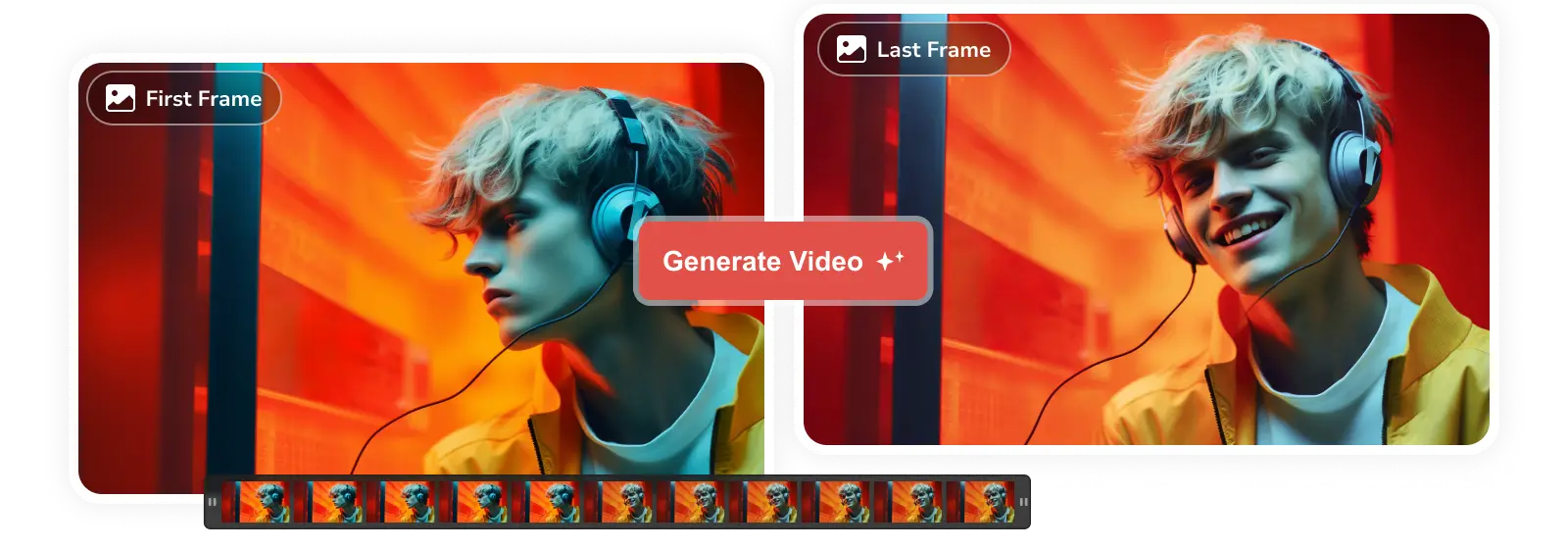
Comprehensive Analysis
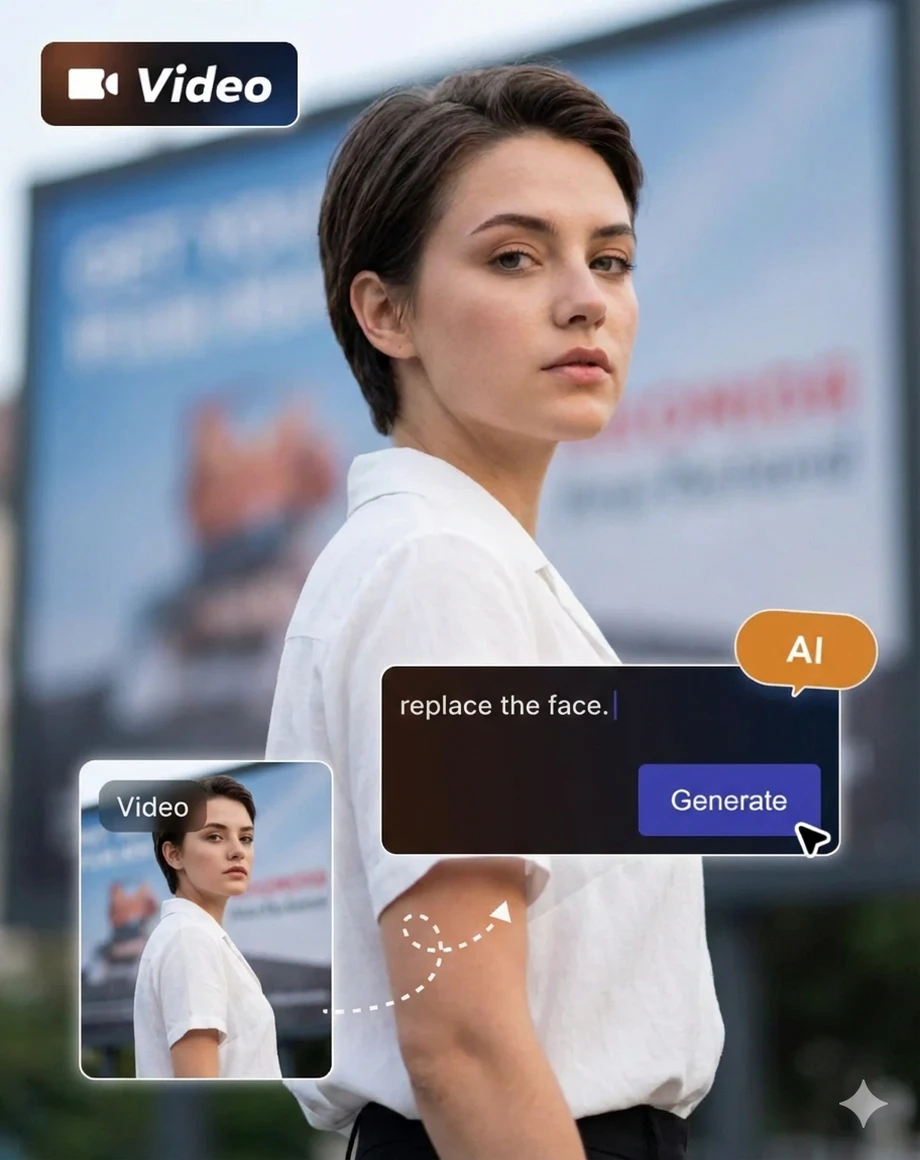
Without the need for camera movement or lighting, simply describe your ideas in natural language, and AI can transform them into professional-looking videos, generating footage that is difficult to film in reality or extremely expensive to produce.
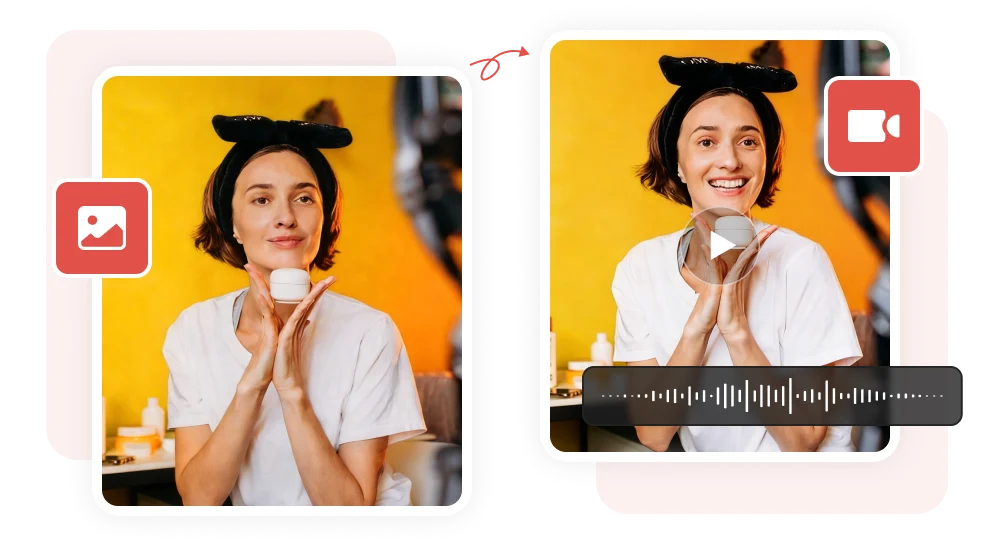
What Makes Text to Video AI Generator Different
From text to video, all in one go

Beginner Friendly
The simple and intuitive interface guides you to get started easily.

Creative Visualization
By thinking and writing, inspiration no longer remains in the imagination.

Effective Generation
AI workflows and automation improve video production efficiency.

Multi-tool Integration
Video and audio editing tools are integrated into the program for seamless workflow.

Advanced Model
Based on cutting-edge AI models, it produces stunning professional visual effects.

Instant Output
View your creations in real time within the program and make quick adjustments.
How Text to Video AI Generator Works
Step 1
Input Creation Prompts
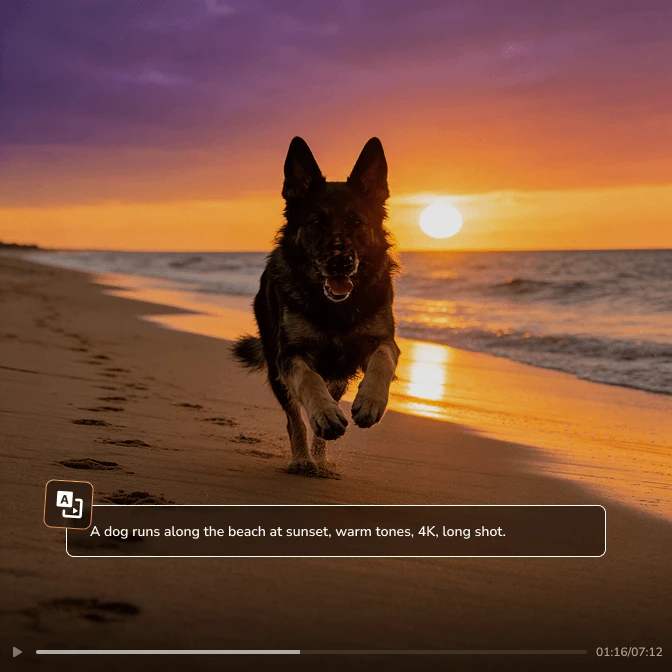
Open text to video generator; you will see a box area for entering text. Clearly and in detail describe the video footage you want in English. Excellent prompt structure: subject + action/state + environment/scene + style + shot.
(Optional) Upload images as the first and last frames of the video.
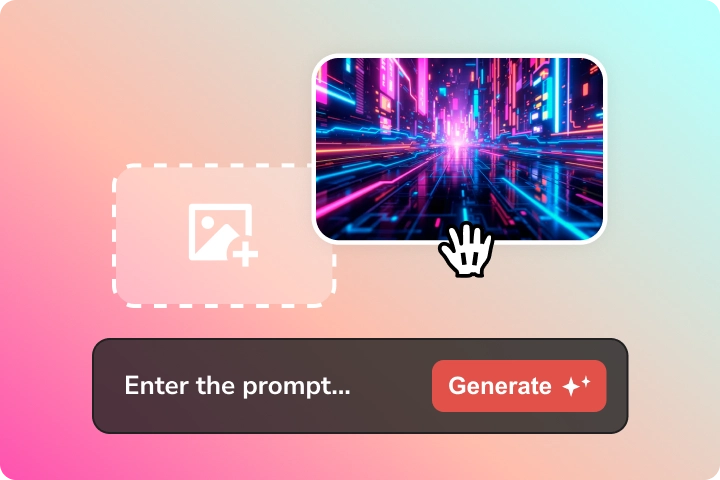
Open text to video generator; you will see a box area for entering text. Clearly and in detail describe the video footage you want in English. Excellent prompt structure: subject + action/state + environment/scene + style + shot.
(Optional) Upload images as the first and last frames of the video.
Step 2
Generate Video from Text with AI
At the bottom of the program, you can select the video length (2-12 seconds), resolution (480P, 720P, 1080P), and aspect ratio (16:9, 9:16, 1:1).
Click "Generate Now" and the program will begin processing your request. Once generated, you can play the video directly within the program to view the result.
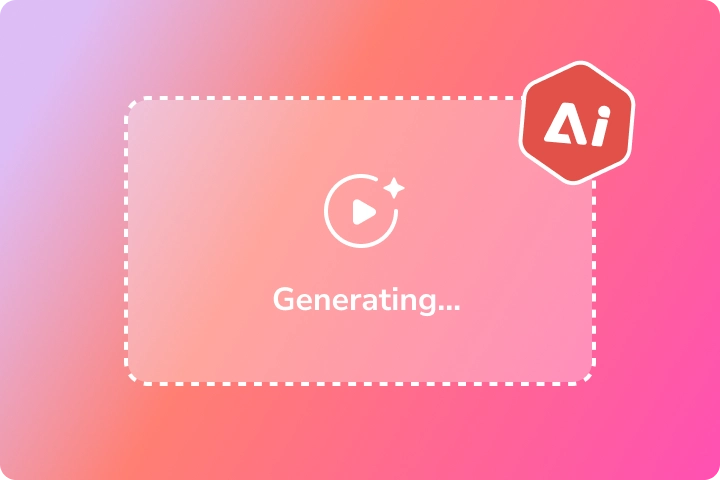
At the bottom of the program, you can select the video length (2-12 seconds), resolution (480P, 720P, 1080P), and aspect ratio (16:9, 9:16, 1:1).
Click "Generate Now" and the program will begin processing your request. Once generated, you can play the video directly within the program to view the result.
Step 3
Download Video Generated with AI
Want to optimize your video? You can add or replace some words based on the existing prompts to make them more precise. You are allowed to modify the prompts over and over again.
Once you confirm the AI results, then download the video.
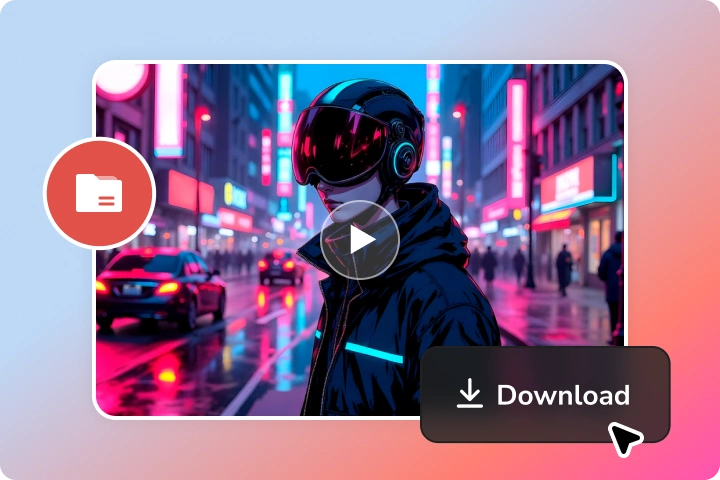
Want to optimize your video? You can add or replace some words based on the existing prompts to make them more precise. You are allowed to modify the prompts over and over again.
Once you confirm the AI results, then download the video.
Not Just a Text to Video AI Tool
We are evolving into a versatile and powerful creation program
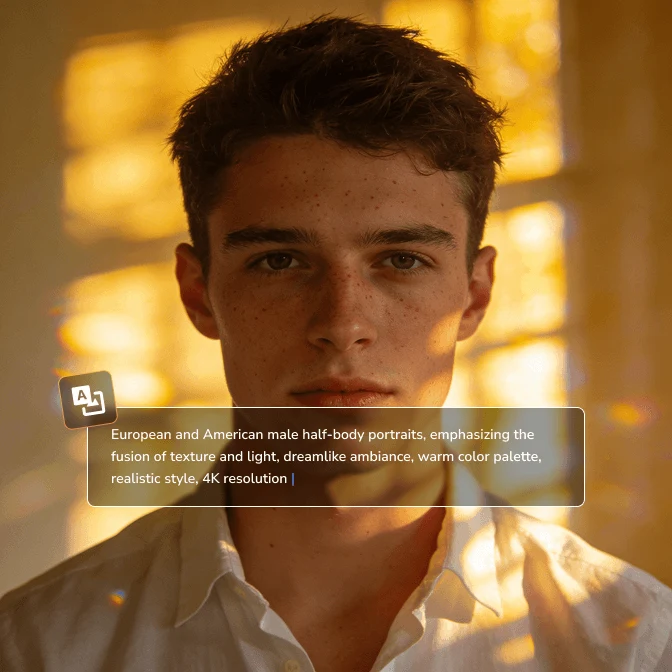
Generate Image
From text to high-quality original images, your ideas can be brought to life.
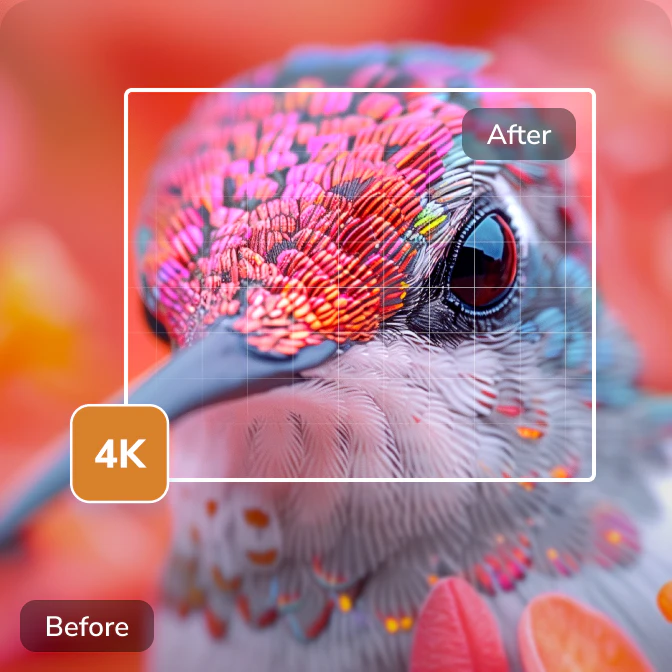
Upscale Image
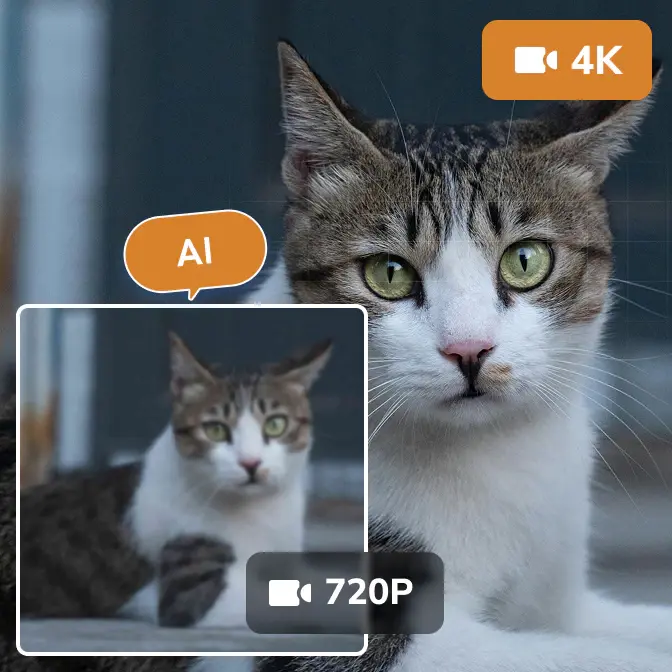
Upscale 720P thumbnails to 4K without loss and restore blurry details.
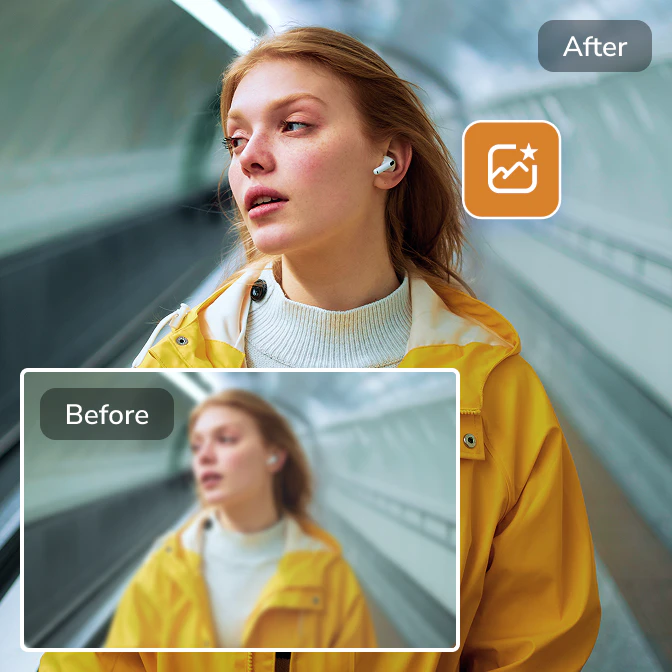
Enhance Image
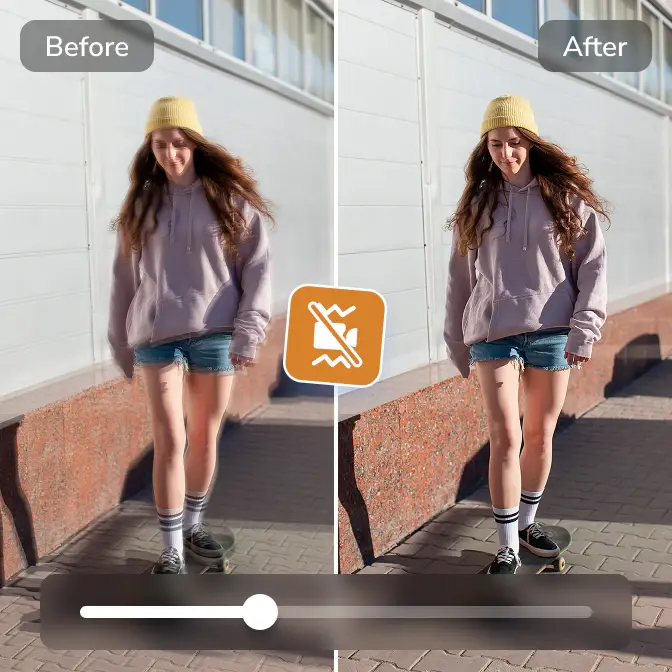
Instantly transform grayish or blurry photos into clear and vibrant ones.
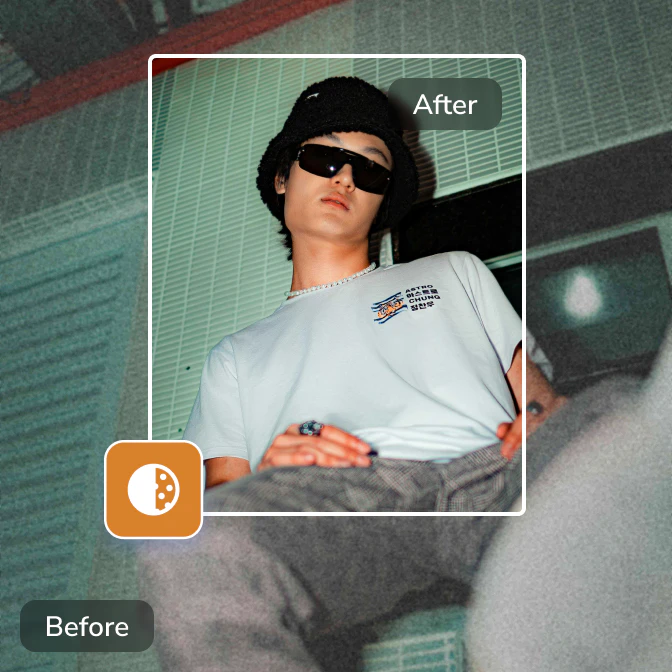
Denoise Image
Remove graininess and digital noise from photos for a cleaner, more refined image.
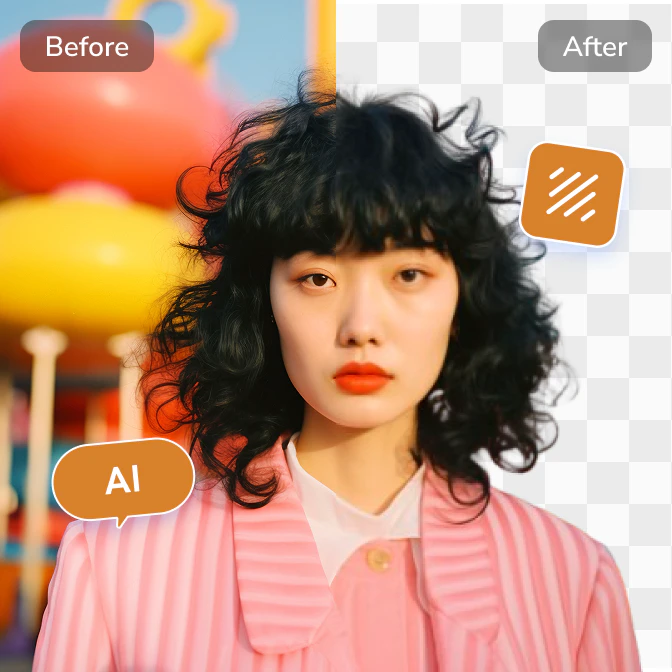
Remove Background
Separate the subject from the background to obtain a transparent PNG.
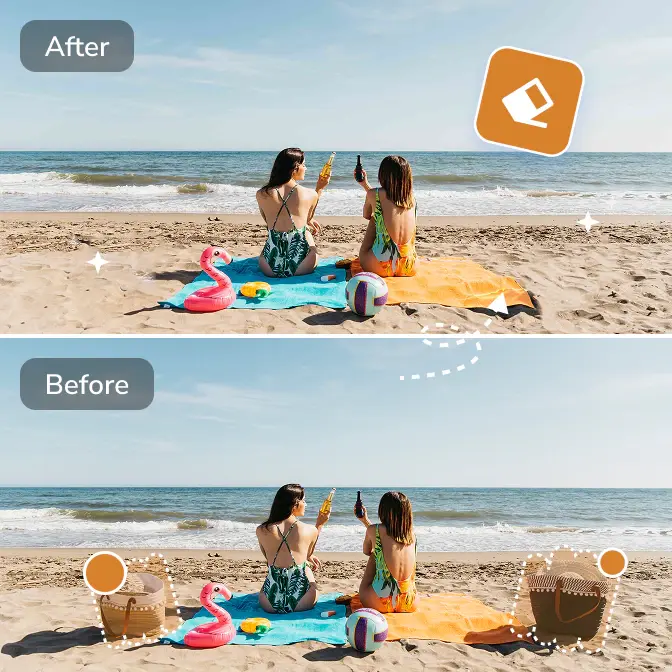
Remove Objects
Select the unwanted elements, and AI will automatically fill in the background.
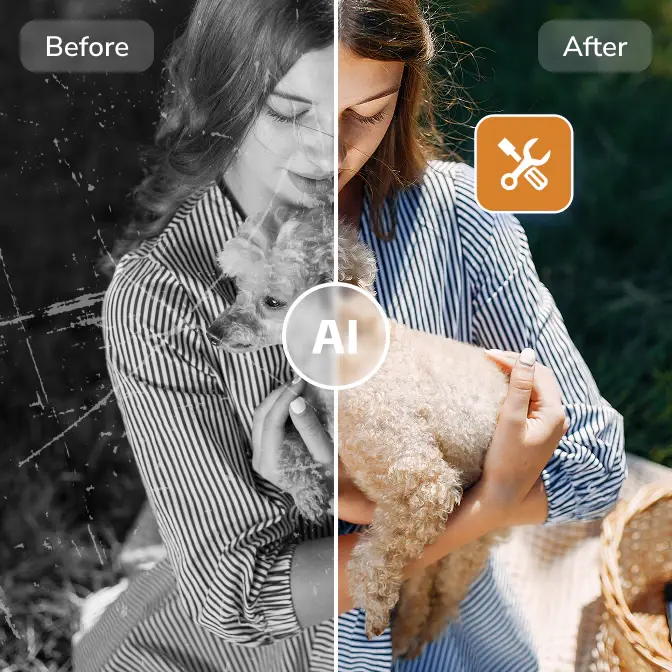
Restore Old Photo
Restore your old photos to their original brilliance. Revive old, yellowed photos.
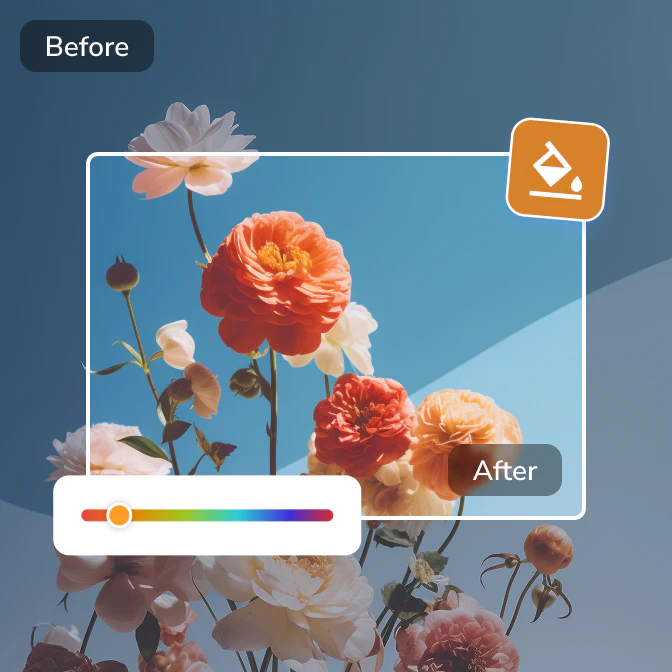
Correct Color
Correct true skin tone and ambient color, improving color performance.
From Text to Video, From Script to Story
The best AI text to video generator is ready for you

 Get Mac Version
 Get Windows Version
Discover More AI Generative Tools for Your Creative Work


FAQs about Text to Video AI Generator
Are there any tips or templates for writing prompts?
Of course! Here are some key tips and commonly used templates to help you write more effective prompts.
1. If you write your own prompts, you can start from "people + location + story + background" and describe your video requirements in as much detail as possible.
2. If you're unsure whether your prompts are effective, you can use AI tools to optimize them.
3. If you want to generate prompts based on the content of an image, you can use AI Image Describer to extract the content from the image and then copy the text into the text to video AI generator to create a video.
4. Please avoid making too many complex requests at once, as this may cause the AI to miss information.
Is it possible to generate videos in a specific style?
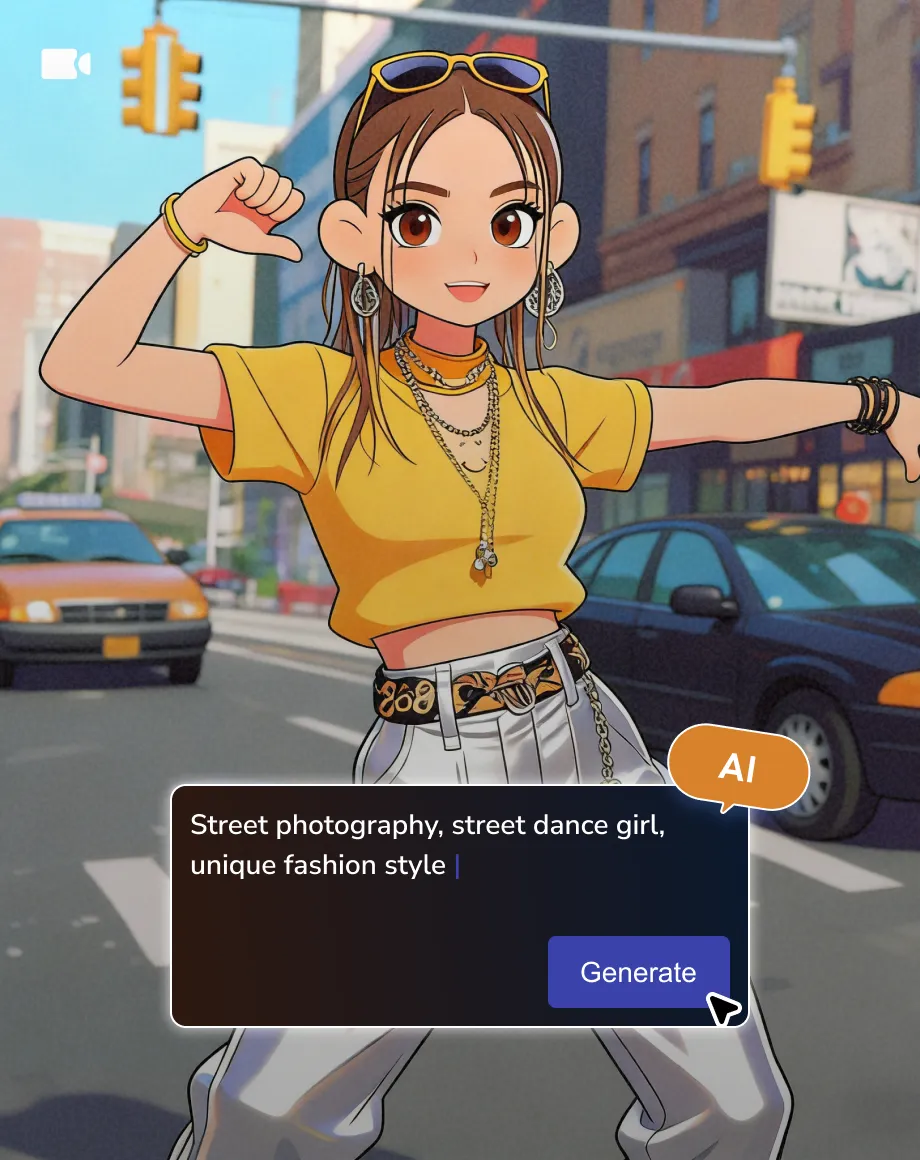
Yes, you only need to add the requirement to generate Pixar animation, punk, ink painting, or other styles to the text.
Who owns the copyright to AI generated videos?
AI generated videos belong to the creators.
How long does it take to create a video?
Typically, AI generates videos within minutes, depending on the complexity of the prompts and the length of the video. It's usually quick for simple text, but may take longer for more complex prompts. Similarly, short videos are generated faster than long videos.
Why is it not yet supported to generate longer videos?
Currently, there are very few video generators capable of producing long videos. This is because it requires the model to understand more complex logic and narrative structures, and generating long videos requires longer inference time, meaning you'll wait longer for the output.
However, you can use the "Merge Video" tool in the program to merge multiple AI short videos into a longer video.
Step 1: Open the "Merge Video" tool and upload your AI short videos.
Step 2: Add transitions directly to each segment to achieve a natural transition effect.
Step 3: Export as a long AI video.
Can I use the text to video AI generator for free?
Yes, both AVC's online and desktop text-to-video generators offer AI credits for users to generate videos for free. You can contact the support team to claim the free AI credits.
Related Articles about AI Generative Work
Get tips from top writers and creative inspiration to get your best AI results